Annual billing, no setup fee.
See pricing →Check your eligibility for the Microsoft Copilot Frontier Programme.
Check my eligibility →The guide to frame a first project.
Read the guide →The detail plan by plan, from Starter to Enterprise.
See the table →Passwords, access, hardware: solved in Teams, escalated otherwise.
See the use case → HR SupportPayroll, leave, onboardingAnswers tailored to each employee profile.
See the use case → Finance SupportExpenses and suppliersInvoice status, purchasing process, follow ups.
See the use case → They use itURSSAF, France Télévisions, CNAFWitivio AI agents for thousands of staff and employees.
Read the customer stories →Your employees get the procedure, the right form or the status of their request without opening a ticket. Your service desk focuses on the incidents that genuinely need a human.
20 to 40% fewer level 1 tickets within 60 days, as observed with our customers.
30 minutes with a Witivio expert, no commitment.

IT support agent : Three checks before you open a ticket: your Entra ID password has not expired, your VPN client is on version 6.2 or later, and multi-factor authentication is approved on your phone.
Example of the AI Desk Pro interface
Three measurable effects within the first months, without replacing your ticketing tool or mobilizing a development team.
An IT support AI agent is a conversational assistant embedded in Microsoft Teams that answers recurring employee requests from documentation approved by the IT department: procedures, application access, device configuration, security policy. With AI Desk Pro, that IT agent is built without code and always cites its source.
Six families of requests your employees raise every week, handled inside Teams from your own content.
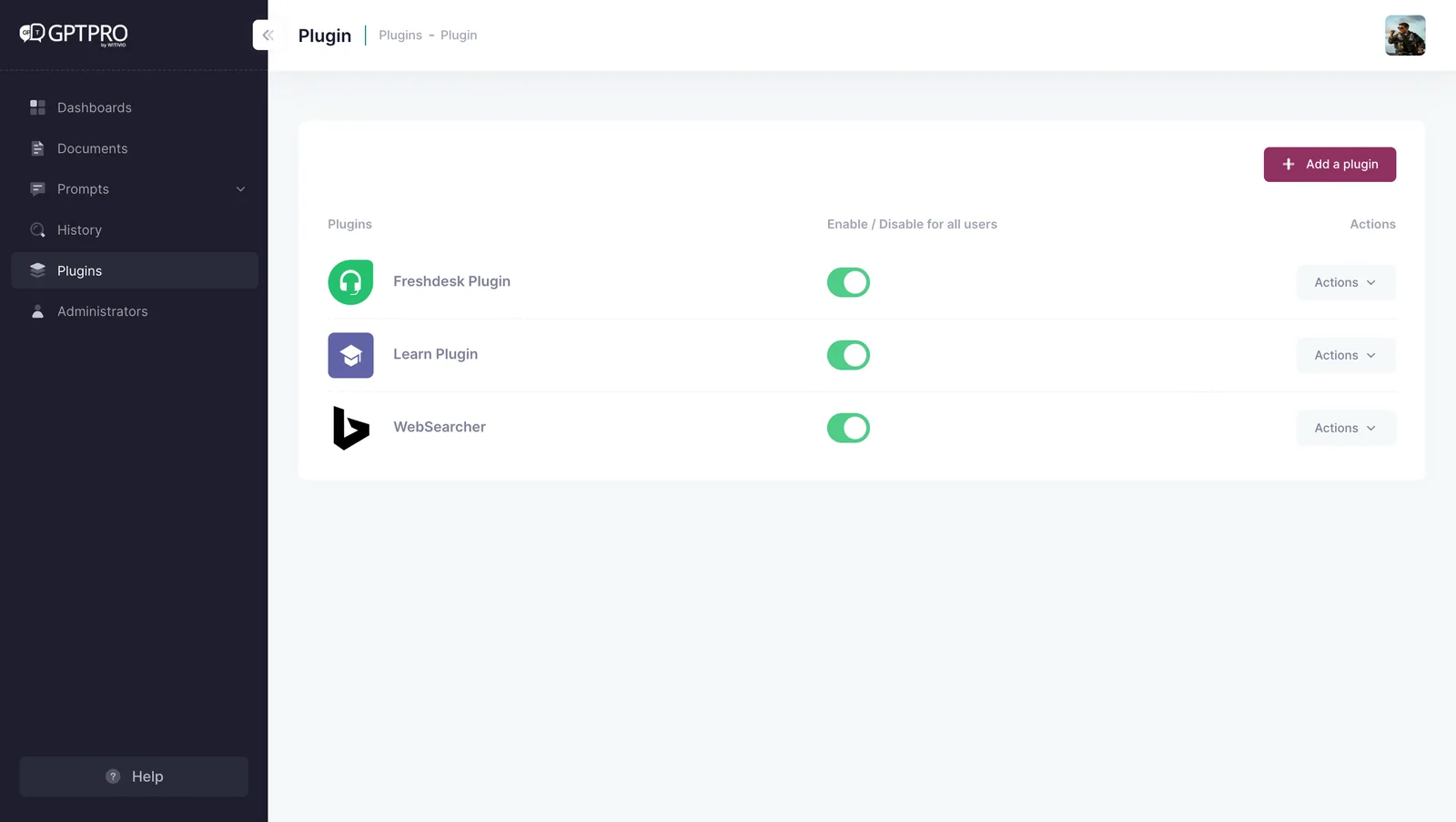
AI Desk Pro does not replace ServiceNow, Jira Service Management or your ticketing tool. It sits in front of it: it handles level 1 requests and, when a human needs to step in, it raises the request with the context already qualified. The integration runs through AI Desk Pro plugins, with an API manifest plus configurable keys and HTTP headers, or through Power Platform. The connector to your tool is quoted after a scoping workshop.
Your knowledge base does not have to be perfect to start. IT SharePoint pages and libraries are indexed as they are, and the statistics tell you every month which topics to complete first.
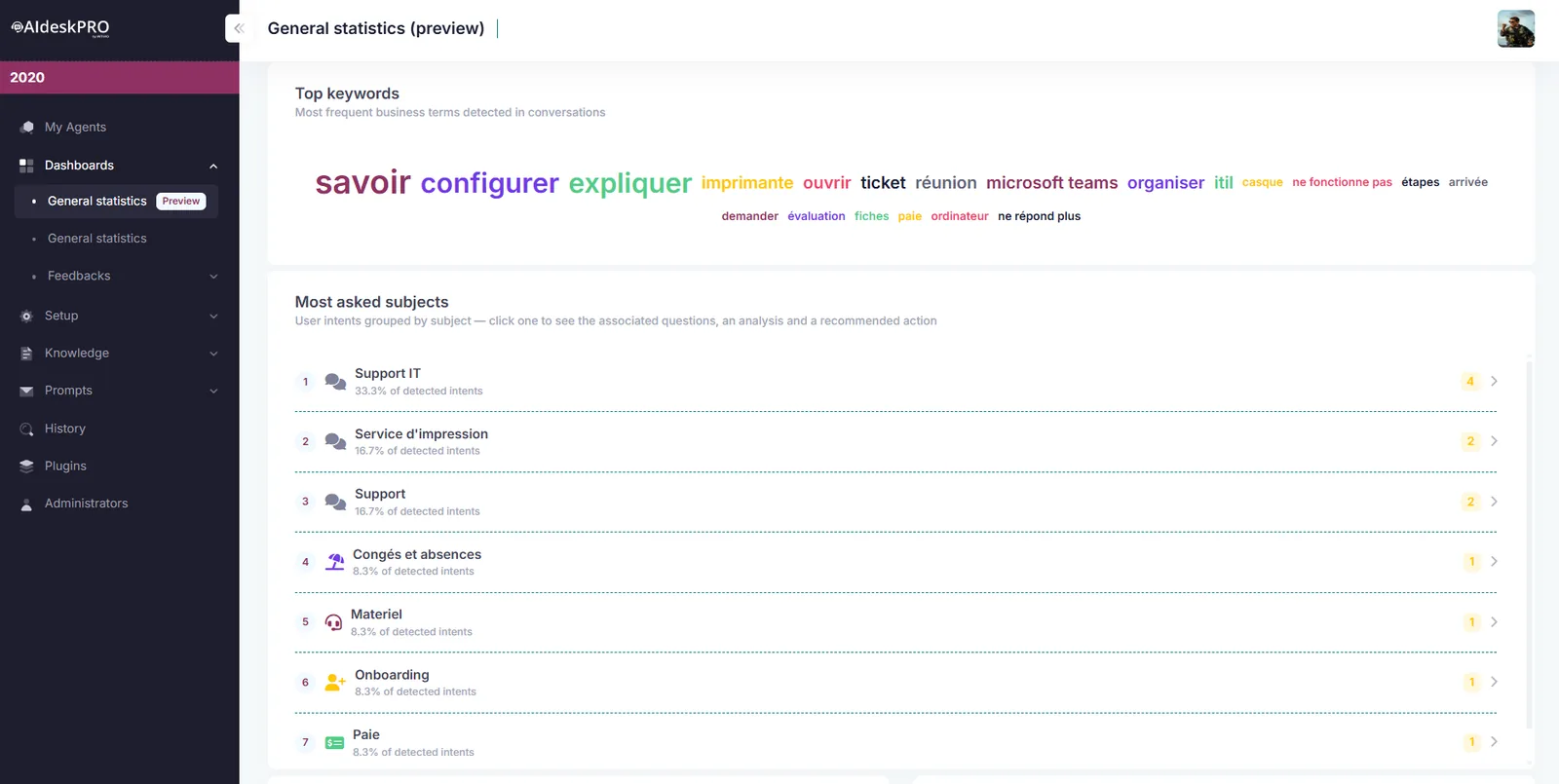
General statistics automatically categorize conversations, surface recurring topics and the most cited documents, and flag requests that went unanswered. Recommended action plans, such as enriching content, recruiting champions and improving answer quality, guide your administrators month after month.
Facing an IT support overload driven by remote work and Microsoft 365 questions, CNAF handed its recurring requests to a Witivio AI agent inside Microsoft Teams.
Every time an employee uses our specialist chatbot, Eve, 20 minutes of working time are saved.

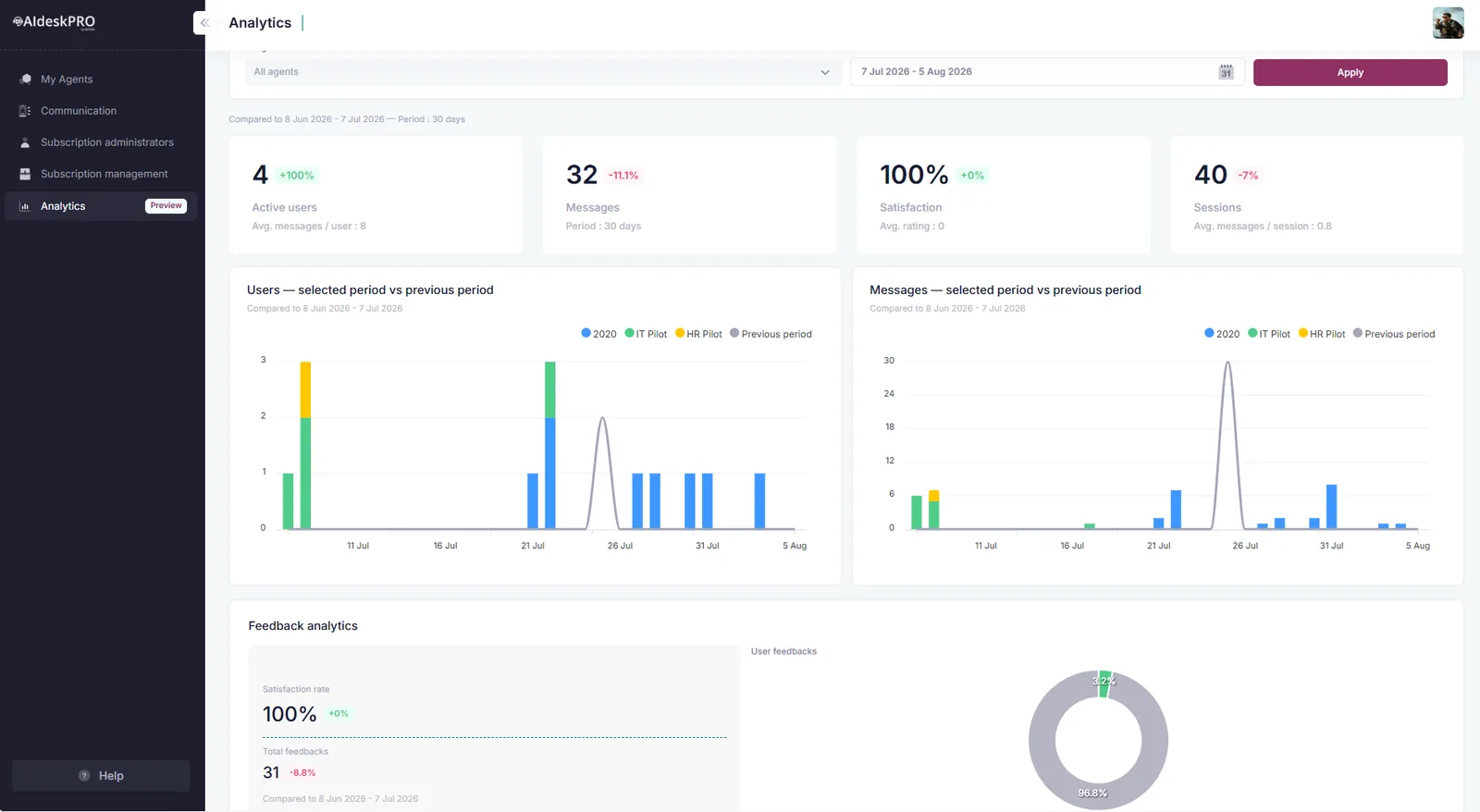
Target 10 to 20% active users in the first month and 30 to 50% at three months. Two factors explain the gap between projects: the agent lives in Microsoft Teams, where your employees already work, with a Cockpit portal that gathers history, pinned resources and starter questions; and the launch is run as an adoption project, with a communication plan we build with you.
Yes, through a plugin connected to your tool's API or through Power Platform. That connector is set up during the project and quoted separately, after a scoping session on your mandatory fields and routing rules.
The agent answers first from your approved Q&A entries, then from your documents, with an adjustable document relevance threshold. Every answer cites its source and can be rated by the employee. A comment is mandatory on a thumbs down, which gives your administrators a concrete list of fixes.
Your designated administrators, authenticated through Microsoft Entra ID, from admin.aidesk-pro.com. Administration rights are managed in the platform, agent by agent. No development skills are required to add a source, edit an instruction or publish an update.
Yes. The same agent can be published as a webchat on your SharePoint intranet or on a website, and stays reachable through an MCP server from compatible tools such as Claude Desktop or VS Code. Sources and instructions remain identical on every channel.
Up to 50 documents per environment depending on the plan. One document equals 20 pages, so a longer file counts as several documents. Add-ons extend that capacity, and SharePoint libraries and pages are configured separately.
Yes. Scoping takes one to two weeks and consists of listing with you the 20 most frequent questions and the documents that answer them. Witivio builds the knowledge base and configures the agent with you. One administrator, with no development skills, is then enough to keep it alive: add a document, fix an answer, read the statistics. The Starter plan begins at the 10 to 50 user tier.
In 30 minutes, we estimate with you the deflectable volume and the time to production. A first IT agent goes live in 4 to 6 weeks.
Continue your evaluation with the pages that matter most to your project.