Annual billing, no setup fee.
See pricing →Check your eligibility for the Microsoft Copilot Frontier Programme.
Check my eligibility →The guide to frame a first project.
Read the guide →The detail plan by plan, from Starter to Enterprise.
See the table →Passwords, access, hardware: solved in Teams, escalated otherwise.
See the use case → HR SupportPayroll, leave, onboardingAnswers tailored to each employee profile.
See the use case → Finance SupportExpenses and suppliersInvoice status, purchasing process, follow ups.
See the use case → They use itURSSAF, France Télévisions, CNAFWitivio AI agents for thousands of staff and employees.
Read the customer stories →Collective agreements, procedures, onboarding guides: AI Desk Pro turns your HR documents into instant answers inside Microsoft Teams, consistent across every site, even with an HR team of two or three people.
95% adoption and 40% fewer HR tickets at France Televisions with Raiponse, a Witivio AI agent. Source: France Televisions case study.
30 minutes with a Witivio expert, no commitment.

HR agent : You can take up to 20 working days between 1 May and 31 October, including at least 10 consecutive days. Your request goes to your manager at least one month in advance.
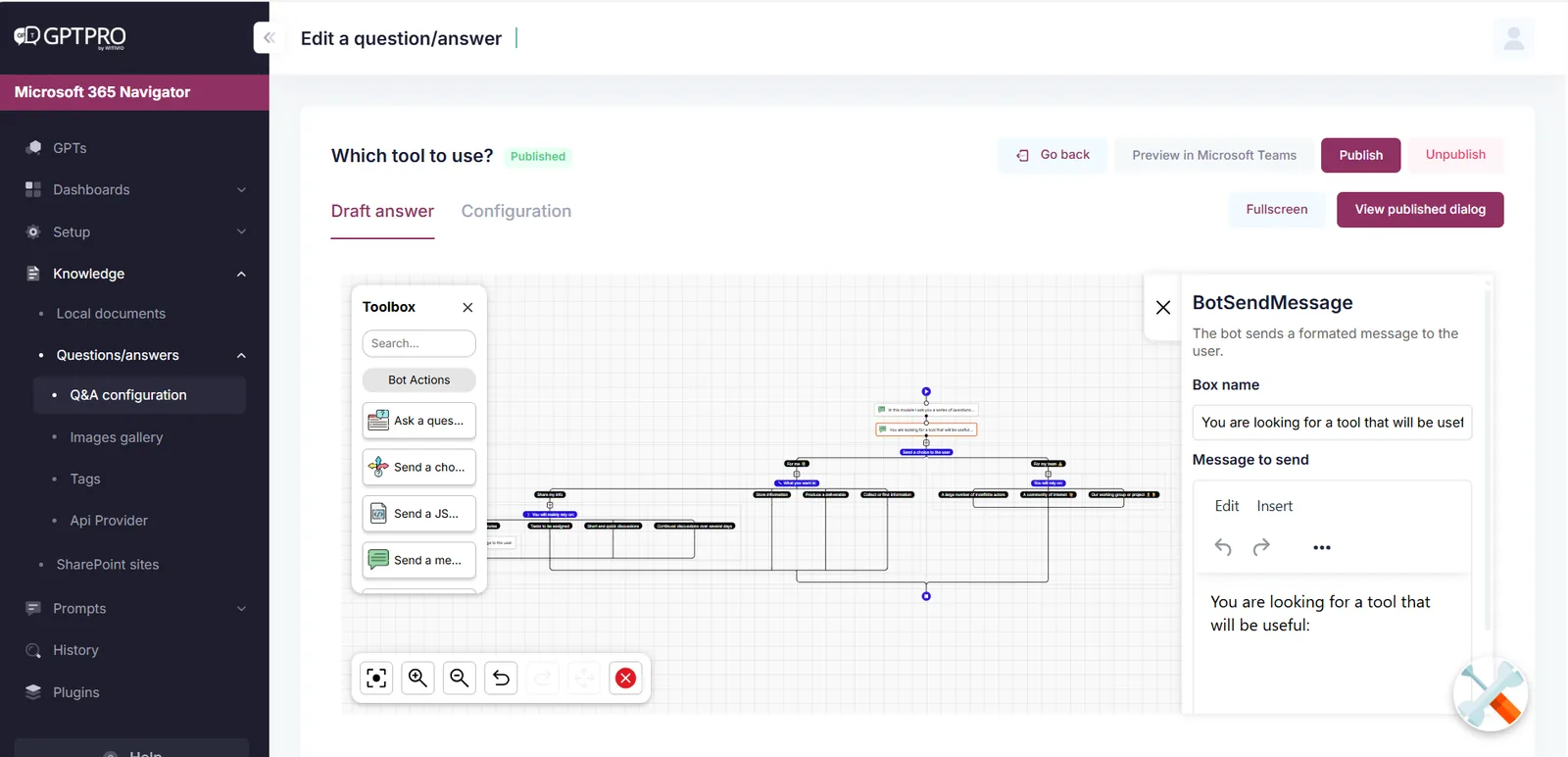
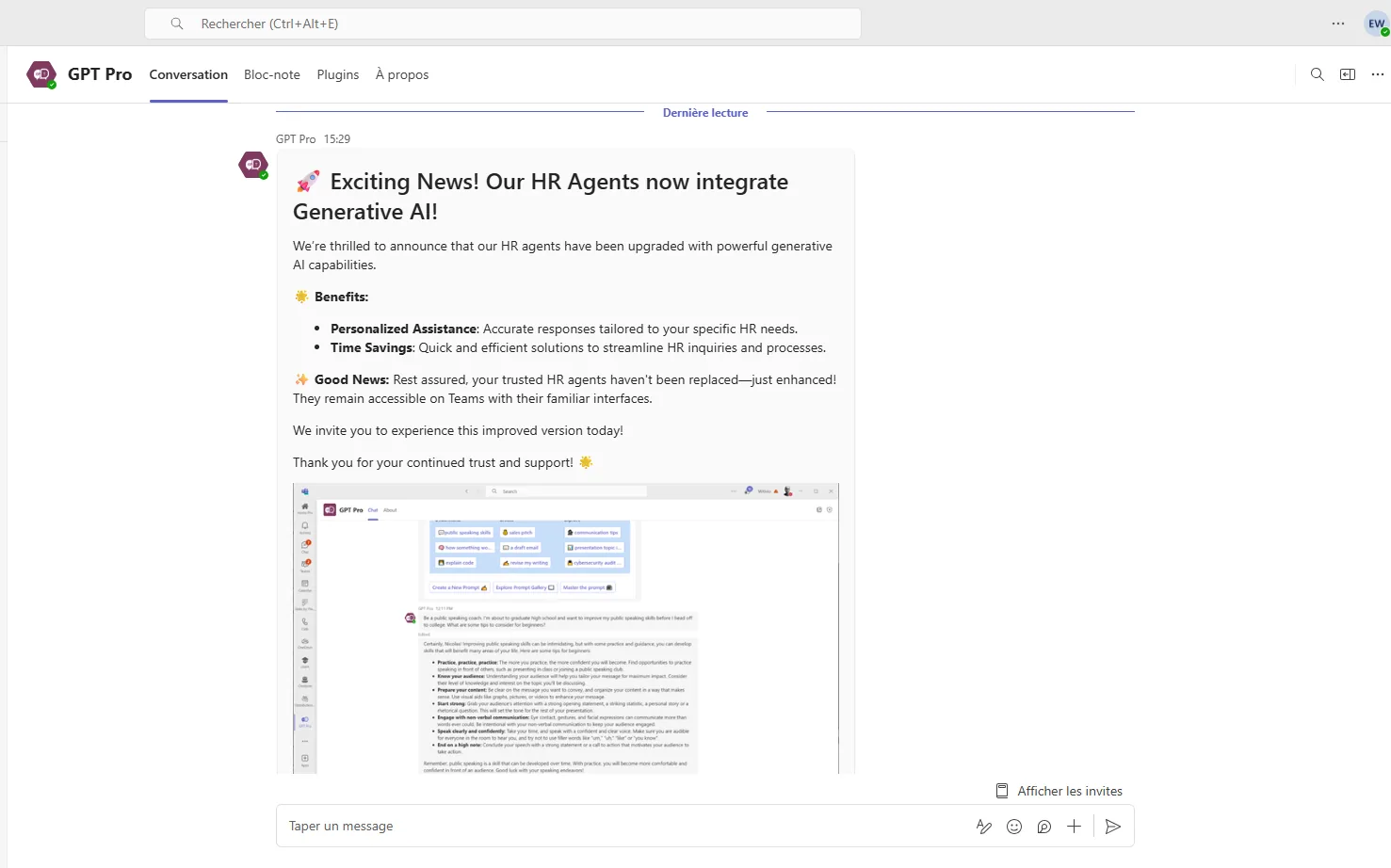
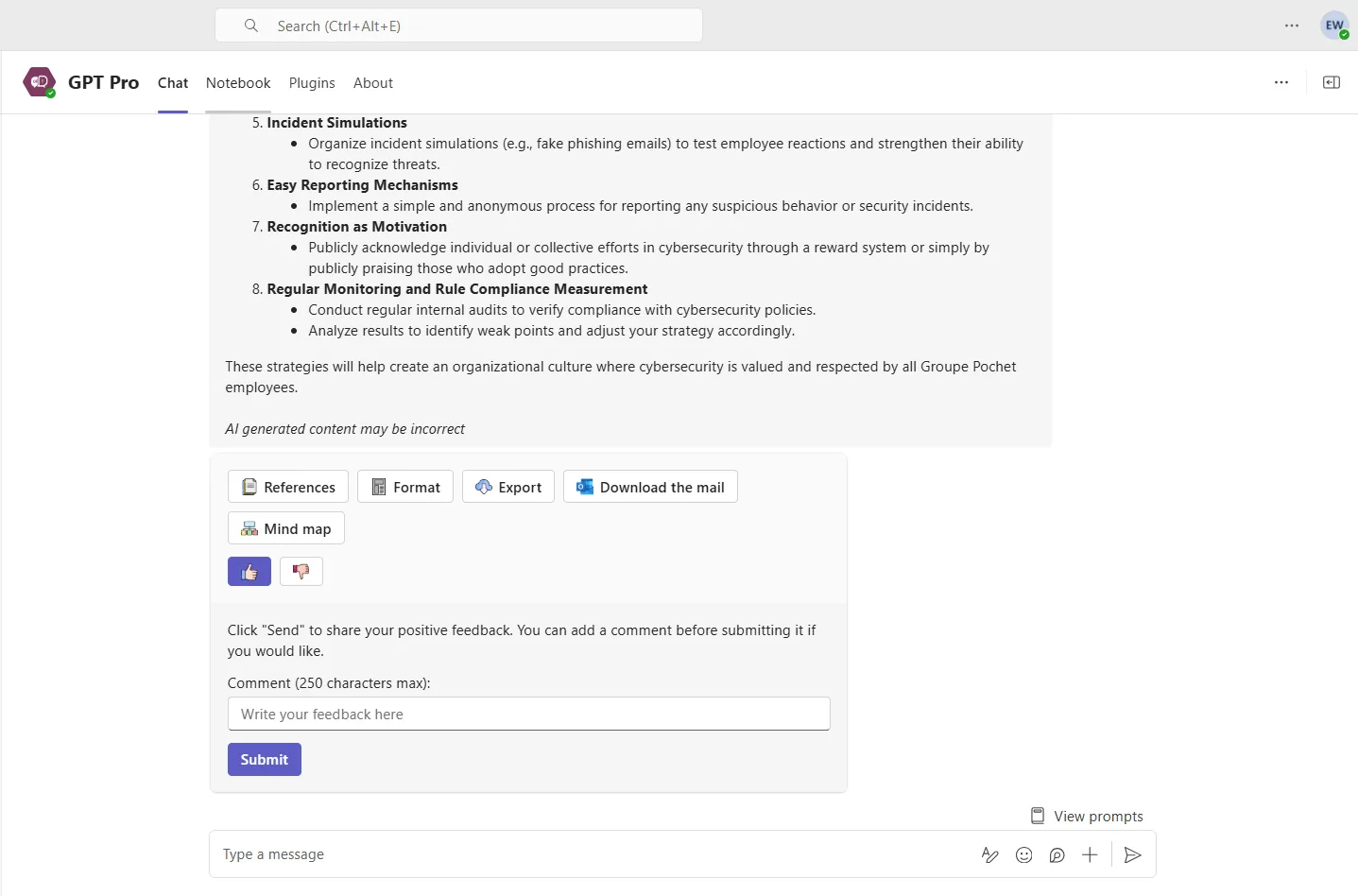
Example of the AI Desk Pro interface.
An HR AI agent in Microsoft Teams is a conversational assistant that answers employee questions about leave, payroll, remote work or onboarding, based on the documents and procedures approved by the HR department. With AI Desk Pro, HR teams create and update the agent themselves, with no technical work involved.
The difference with a static FAQ comes down to two things: the agent understands the question asked in natural language, and it cites the agreement or the SharePoint page the answer comes from. HR keeps control of the reference text.
The six families of requests that take up most of your HR team time, handled at level 1 directly inside Teams.
Answers follow a strict order: your approved questions and answers, then your documents, then your SharePoint pages.
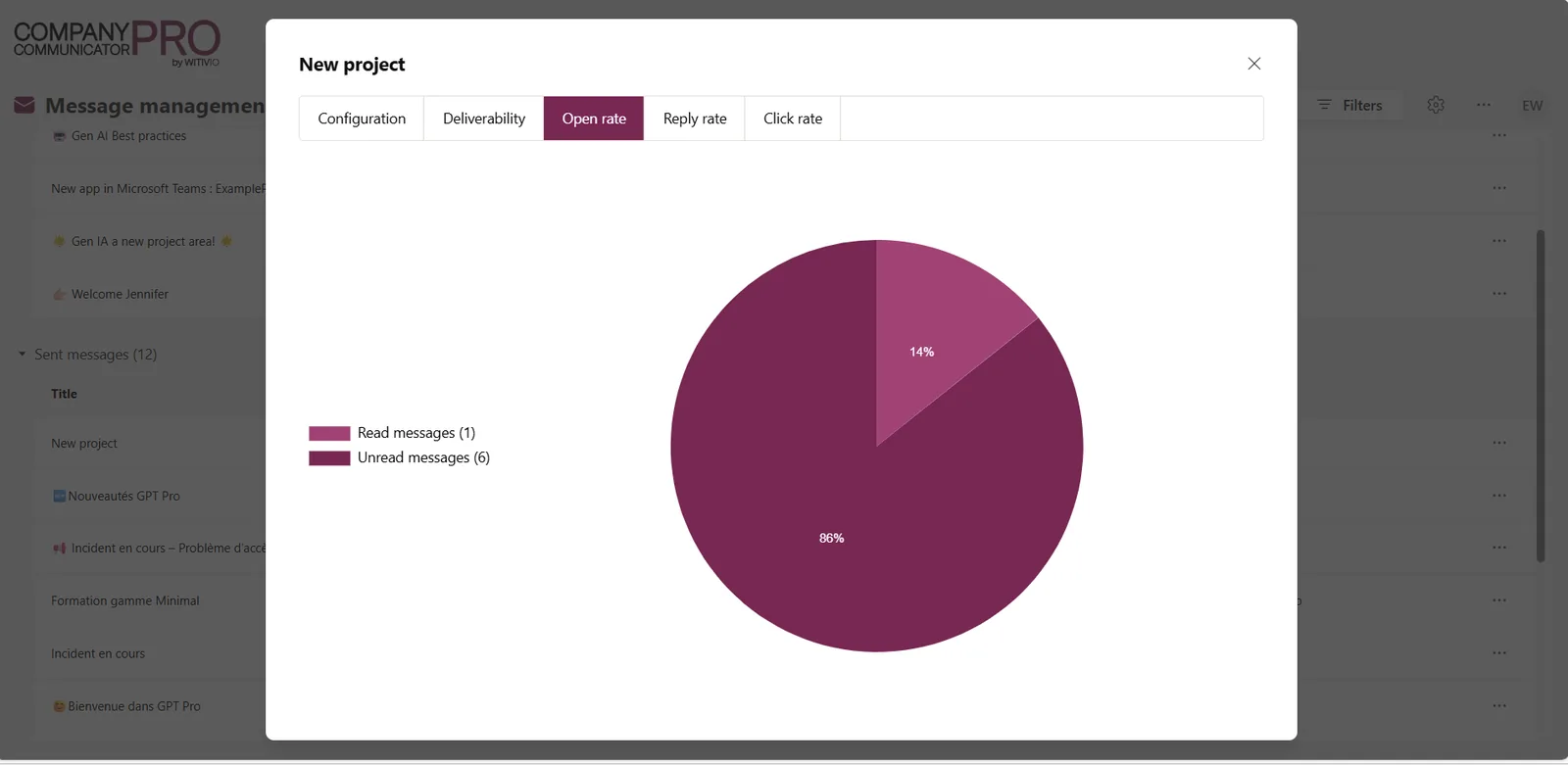
With the Push Communication option, HR schedules targeted messages in Teams and in the Cockpit portal, in several languages, with read and click tracking.
Results taken from our published case studies. France Televisions and URSSAF were supported by the Witivio teams.


See also PRHOXIMA at URSSAF, 3,000+ active users across 22 entities →
A question about sick leave or pension cover does not belong in a shared mailbox.
What we observe is the opposite. The agent handles documented level 1 questions, the ones whose answer already exists in an agreement or a procedure. Your HR officers get back the time they spent repeating the same information and reinvest it in one-to-one support.
Authentication goes through Microsoft Entra ID and respects your tenant conditional access policies. Anonymous mode hides employee identities, administrator access is limited to the people you designate, and data is hosted on Azure in Europe. The full detail is on our Security page.
By default it explains the calculation and booking rules, then points to the right screen in your HRIS. Showing individual data requires a connection to your HRIS: that is possible through an action plugin, quoted separately.
Your HR teams, from the question and answer editor or by replacing the document in SharePoint. Re-indexing is automatic, with no IT involvement. The admin interface is available in English and in French.
It says so, offers the closest resources and can route the employee to the right contact or trigger an escalation. Unanswered questions show up in your statistics: they become your content roadmap.
Yes, through the Microsoft Teams mobile app, with the same agent and the same answers. You can also publish a webchat on your intranet for frontline teams. A member account in your Microsoft 365 tenant is still required.
Plan for 4 to 6 weeks, starting with the 15 to 20 topics that generate the most requests. Scoping takes one to two weeks, building the knowledge base two to three weeks, and the launch one week.
One HR officer, on a fraction of their time. The agent reads your existing documents, agreements, procedures and guides, and updates itself when you replace a file in SharePoint. Unanswered questions surface in the statistics and show what to complete. No IT department or developer is needed day to day.
Bring us your 10 most frequent questions and we will show you the agent answering them.
Continue your evaluation with the pages that matter most to your project.