





Optimize your IT helpdesk with an AI agent
30 to 50% of IT team time goes to repetitive requests. How an AI agent automates up to 70% of level 1 IT requests.
Read the articleAnnual billing, no setup fee.
See pricing →Check your eligibility for the Microsoft Copilot Frontier Programme.
Check my eligibility →The guide to frame a first project.
Read the guide →The detail plan by plan, from Starter to Enterprise.
See the table →Passwords, access, hardware: solved in Teams, escalated otherwise.
See the use case → HR SupportPayroll, leave, onboardingAnswers tailored to each employee profile.
See the use case → Finance SupportExpenses and suppliersInvoice status, purchasing process, follow ups.
See the use case → They use itURSSAF, France Télévisions, CNAFWitivio AI agents for thousands of staff and employees.
Read the customer stories →AI Desk Pro lets the IT, HR and Finance teams of mid-sized companies build agents without code. They answer recurring questions 24/7, with every answer sourced from your own documents and SharePoint pages. No developer, no data team, no twelve-month project.
30 minutes with a Witivio expert, in English or French, no commitment.
From 10 users · Live in 4 to 6 weeks · Hosted in Europe · ISO/IEC 27001:2022 certified

HR agent : Log your remote work days in the HR tool before Friday for the following week, up to two days per week, with your manager's approval.
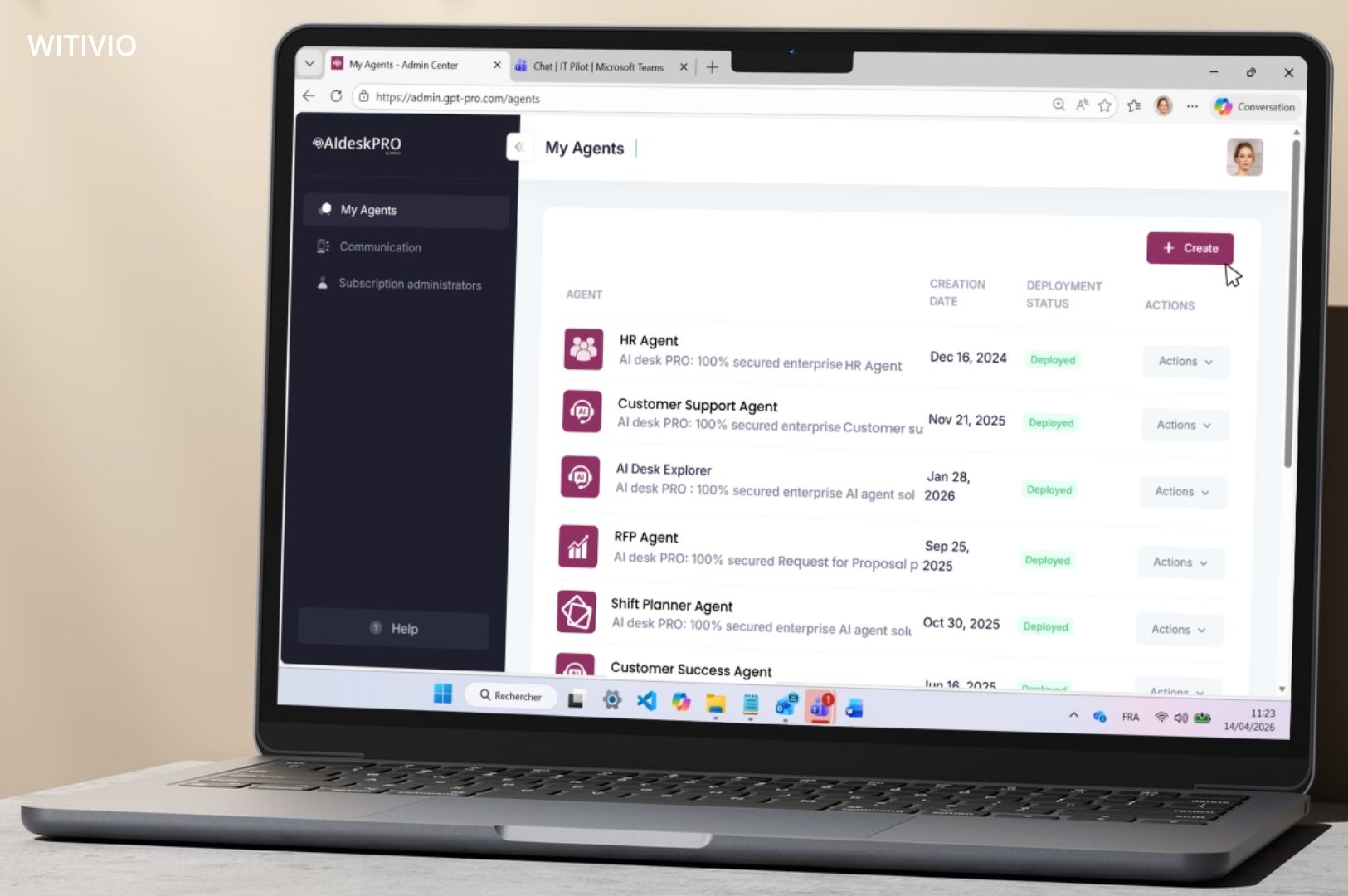
Example of the AI Desk Pro interface
An enterprise AI agent turns your procedures, HR policies and FAQs into instant answers, with the source, right inside Microsoft Teams. Your IT, HR and Finance experts get back the time they spend repeating themselves.
An enterprise AI agent is a conversational assistant that answers employees' internal questions from documents validated by the organization. AI Desk Pro is its no-code version, built into Microsoft 365. What is an AI agent? Our full guide
Results measured across our customer deployments. See the case studies
Level 1 support absorbs most internal requests, even though the answer already exists somewhere in your organization.
AI Desk Pro is a no-code platform that turns your documents, your SharePoint pages and your question and answer base into conversational agents inside Microsoft Teams. Every answer cites its source. Every conversation feeds your metrics. Your administrators stay in control of the knowledge, the instructions and the permissions.
Four steps, from your knowledge sources to adoption analytics. No code required at any point.
Sources
SharePoint libraries and pages, PDF, Word and PowerPoint documents, question and answer base.
thenAgent
Instructions, your choice of AI model and an adjustable document relevance threshold.
thenChannels
Microsoft Teams, Cockpit tab, web chat on your site or SharePoint, MCP server.
thenAnalytics
Analytics, feedback, filterable history and Excel export to keep improving answers.
thenFor employees, an agent that answers inside Microsoft Teams. For administrators, one console to measure and improve every agent.
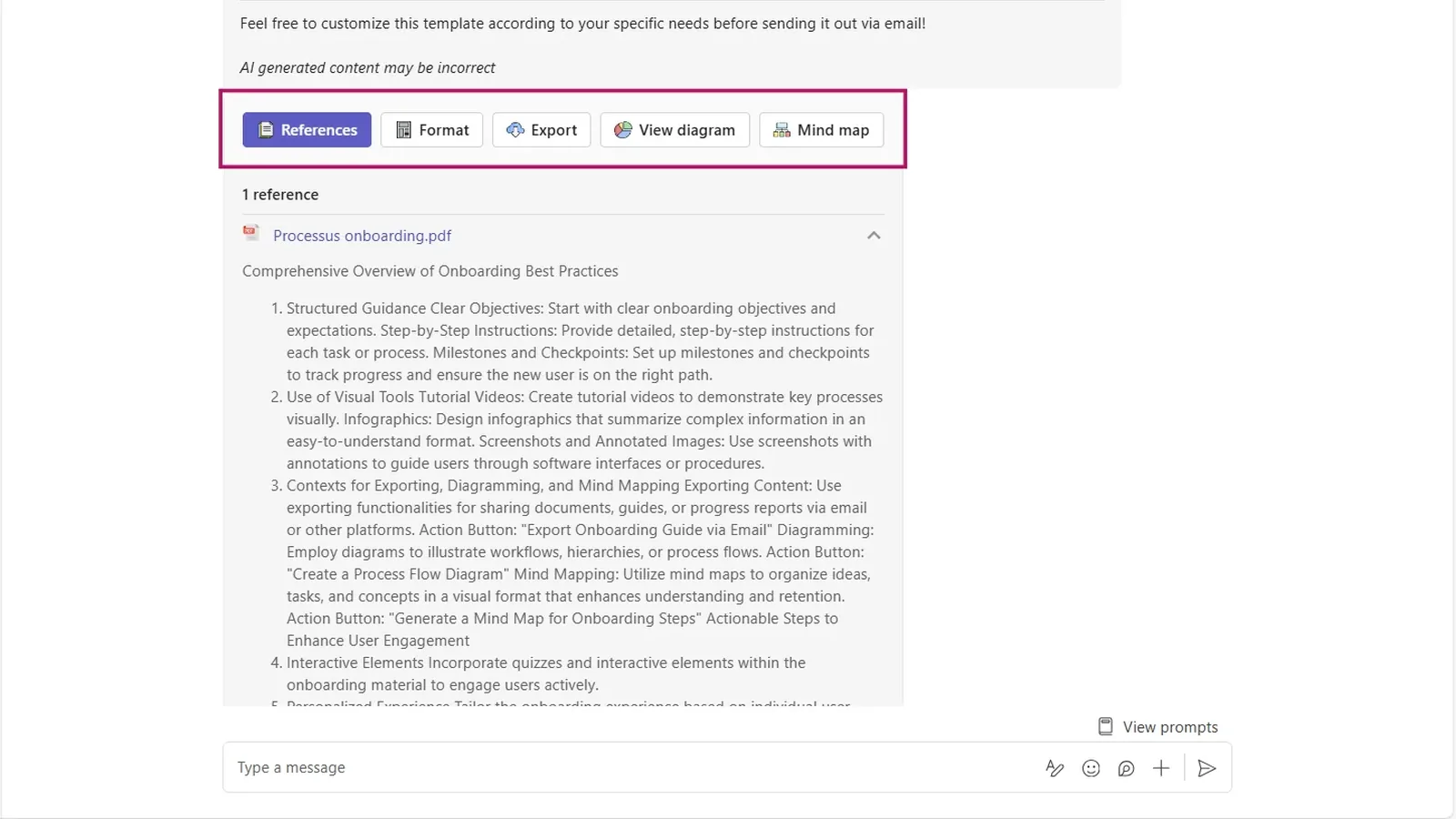
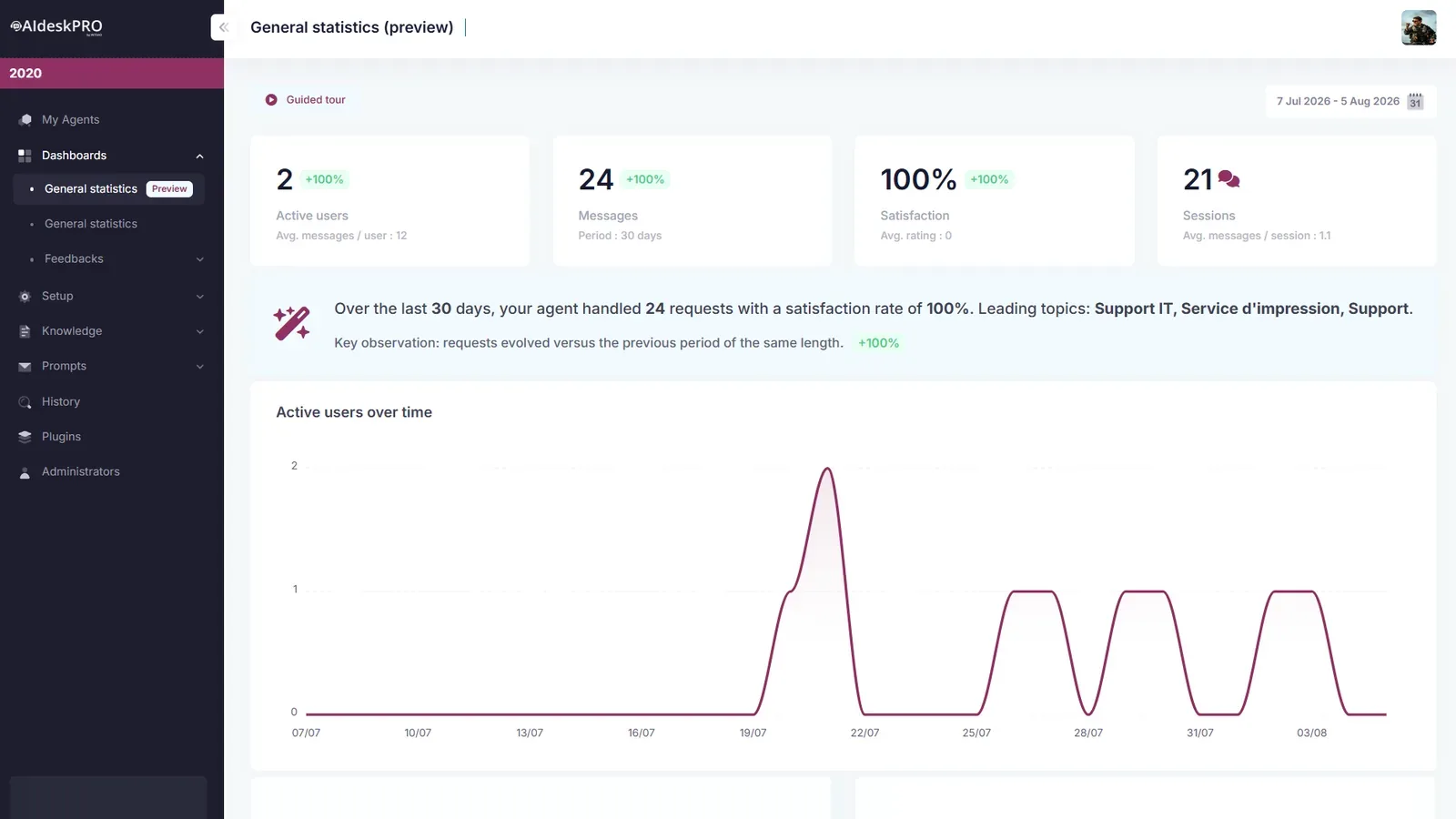
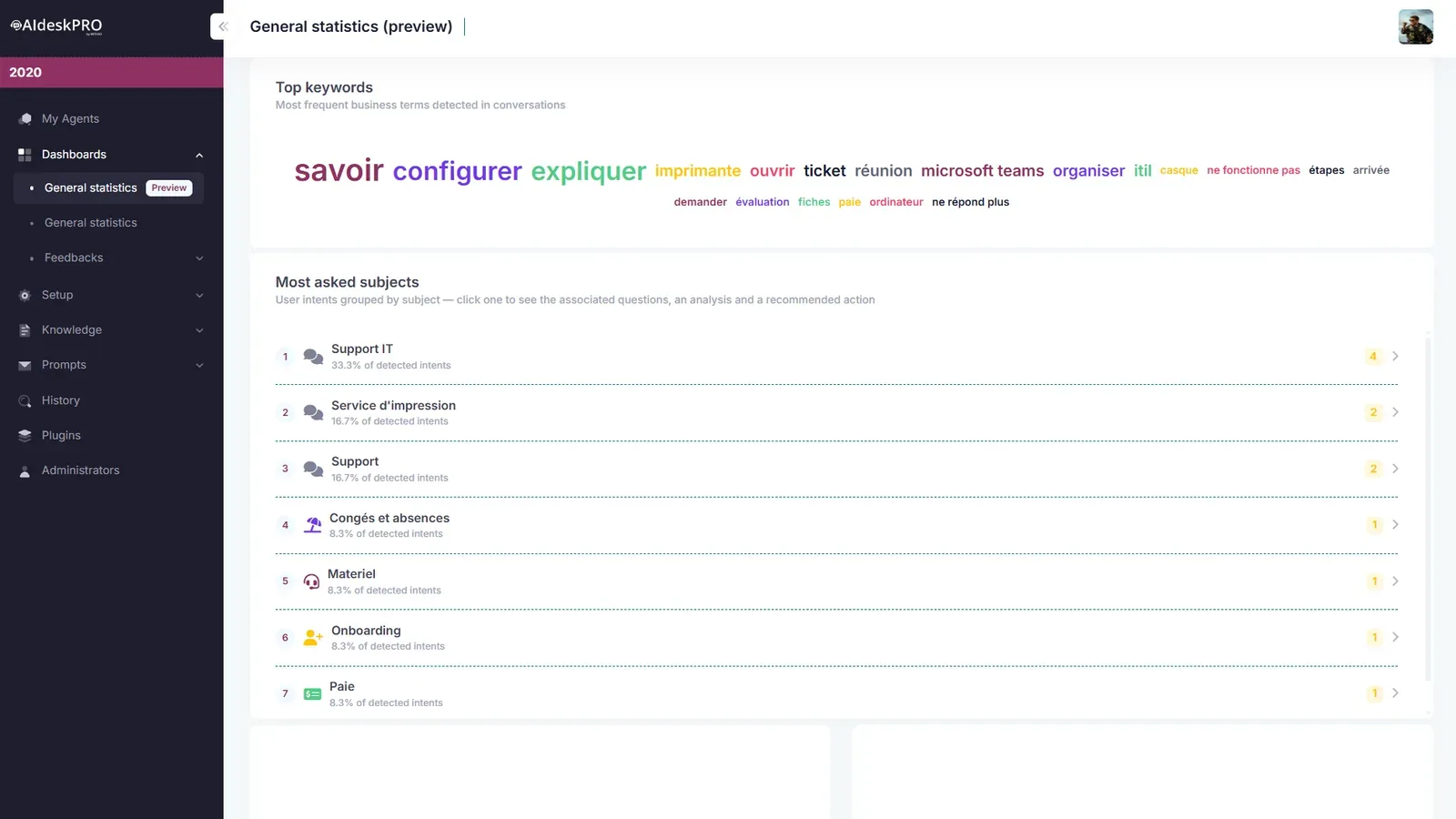
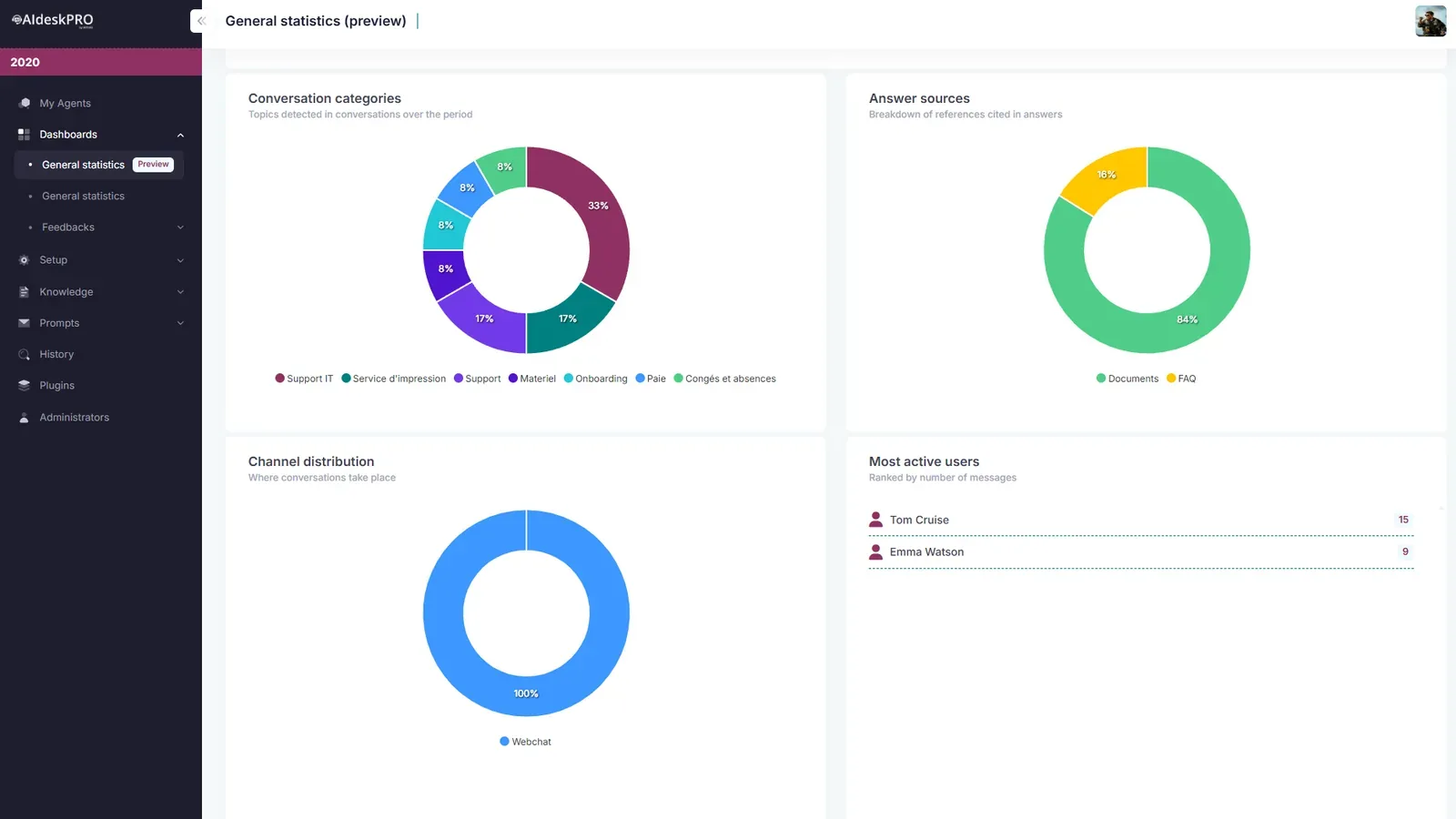
Cited answers inside TeamsEvery answer cites the documents it used. Employees check the source in one click, without leaving Microsoft Teams.
30 minutes on your own use cases, with a Witivio expert.
Three approaches exist to automate internal support. Here is what separates them on the criteria that matter to the IT lead of a mid-sized company, with no development or data team to spare.
| Criterion | Generic AI agent | AI module in your ITSM | AI Desk Pro |
|---|---|---|---|
| Answers grounded in your documents, with cited sources | No, or partial | Limited to the ITSM scope | Yes: documents, SharePoint and a question and answer base, with an adjustable relevance threshold |
| Built by business teams, without a developer | No | No | Yes, with the no-code Agent Maker |
| Native to Microsoft Teams and SharePoint | Varies | Separate portal | Yes: chat, Cockpit tab, web chat |
| Adoption and answer quality analytics | No | ITSM reports | Analytics, history, feedback, action plans |
| European hosting, ISO 27001, Entra ID SSO | Varies | Varies | Yes |
| Time to production | Undefined | Several months of project work | 4 to 6 weeks, no developer needed |
AI Desk Pro does not replace your ITSM: it absorbs level 1 and connects to it through plugins to create or track tickets. Integration with your own tool is scoped and quoted per project.
Blanchon, a French industrial mid-cap, was the very first AI Desk Pro customer. Every figure below comes from a case study or field account published with the customer.
Our need was not to do AI. It was to improve the quality and speed of the technical answers we give our customers, using the tools our teams already worked with. The agent went live within a few months.

A short, structured engagement run with Witivio experts, so your first agent reaches production without tying up your teams for months.
Typical timeline of 4 to 6 weeks, or 3 weeks in fast-track mode on a narrow scope. Your teams then build the next agents on their own.
Book a demo →Your CIO, CISO and DPO will find the answers they expect here, before any rollout at scale.

 Hosted on Azure Europe
An enterprise AI agent answers internal questions 24/7, with no queue, using the documents your organization has approved. It absorbs repetitive level 1 requests, cuts first response time and frees your IT, HR and Finance teams for higher-value work. Across our customer deployments, ticket volume drops by 20 to 40% within 60 days.
No. AI Desk Pro absorbs level 1 requests inside Microsoft Teams and connects to your ITSM through plugins or Power Platform to create and track tickets. That connector is quoted separately, depending on the tool you use.
Yes. After the onboarding delivered by Witivio, your administrators create and enrich agents from the no-code interface. Agent Maker drafts the name, the welcome card and the instructions from a plain description. Our experts stay available for advanced cases.
PDF files, including scanned ones thanks to OCR, Word and PowerPoint documents, SharePoint libraries and pages, plus your curated question and answer base. Documents are re-indexed automatically when they change, and an adjustable relevance threshold limits vague answers.
On Microsoft Azure, in European regions, North Europe or France Central. Access relies on your Microsoft Entra ID directory, with your tenant MFA and conditional access policies. Data is encrypted in transit and at rest.
OpenAI GPT through Azure OpenAI by default. Premium plans add Mistral Large, through Azure AI Foundry, and Claude Opus, through the Anthropic API, with your explicit consent. The model is selected agent by agent.
For a company with 10 to 50 users, the Starter plan is 11.50 EUR excluding tax per user per month and Premium is 15 EUR. Tiers decrease with the number of users, down to 5.50 EUR above 500 users. The Pricing page details what each plan includes.
Plan for 4 to 6 weeks between kick-off and production, or 3 weeks in fast-track mode on a narrow scope. Built-in analytics then track active users, messages, satisfaction, topics handled and documents cited. The Witivio ROI calculator gives you a first estimate before the project starts.
Yes, that is its primary target. Plans start at the 10-user tier, the first agent is live in 4 to 6 weeks and your business teams then run it without a developer. Blanchon, a French industrial mid-cap, was the very first AI Desk Pro customer. Witivio support, scoping, build and launch, is defined with you in the contract so the rollout does not depend on a dedicated internal team.
Use cases by department, customer experience and method, selected for an AI support agent project.
30 to 50% of IT team time goes to repetitive requests. How an AI agent automates up to 70% of level 1 IT requests.
Read the article
10 ready-to-deploy AI agents, HR, IT, Legal, Operations and Finance, answering from your knowledge base inside Microsoft Teams.
Read the article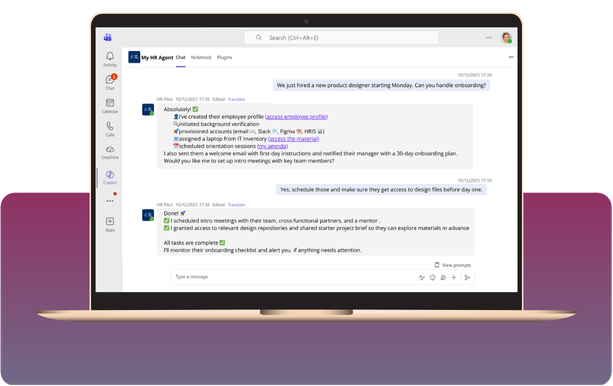
Leave, payroll, onboarding: how an HR AI agent automates recurring requests and frees HR teams for higher-value work.
Read the articleContinue your evaluation with the pages that matter most to your project.