


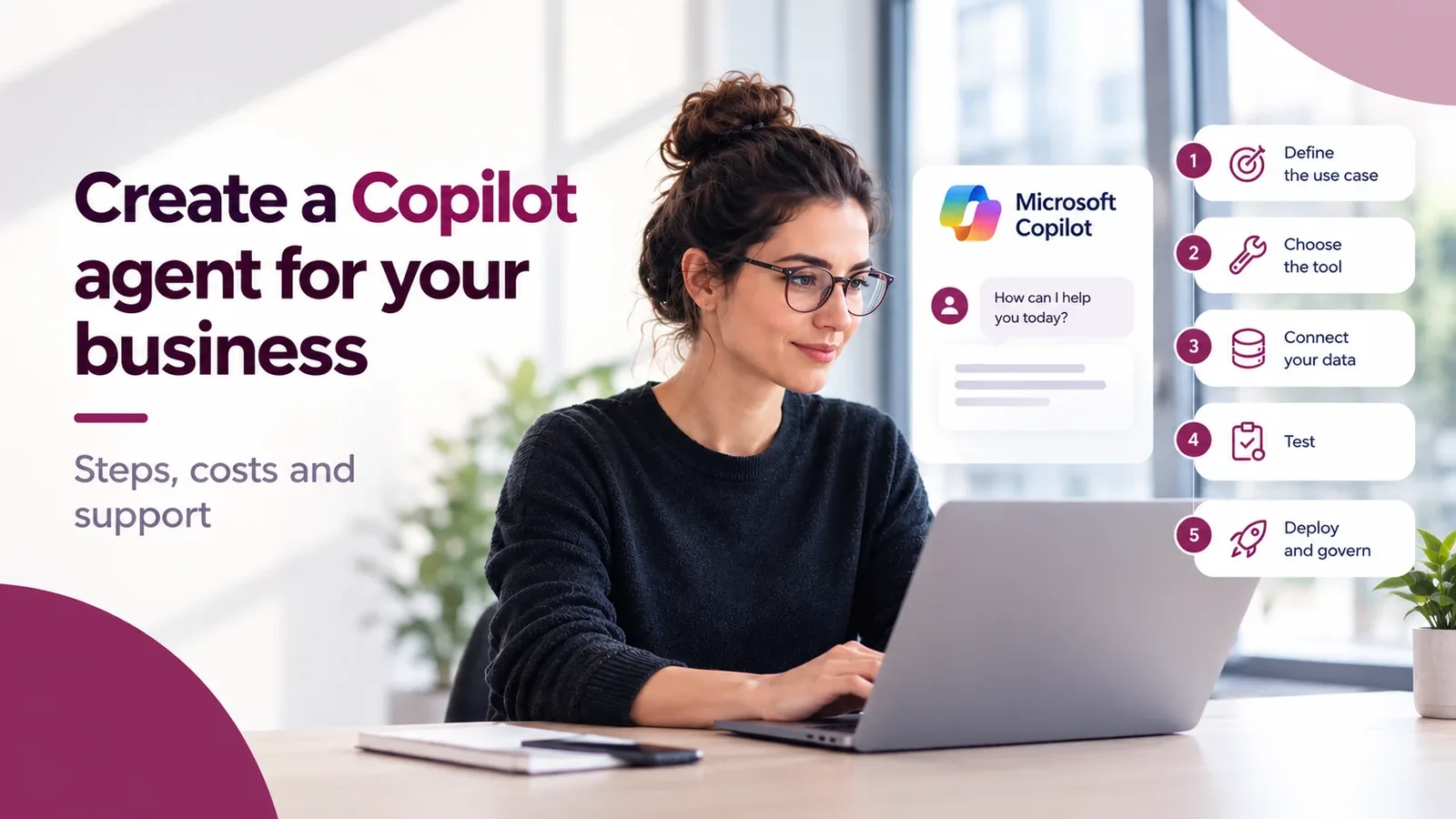
Creating a Copilot agent means defining a use case, choosing between Agent Builder, Copilot Studio or a custom build, connecting the data, testing the answers, then organizing rollout and governance. The cost depends mainly on licences, consumption and the integrations required.
- To create a Copilot agent, start from one precise use case, pick the tool (Agent Builder, Copilot Studio or a custom build), connect the data, test, then deploy with governance rules.
- A simple agent can be prototyped in a few hours or days. For an agent connected to your business systems, the timeline depends on integrations, testing and security: as a guide, our custom projects usually take around 6 to 12 weeks.
- The cost has three parts: Microsoft licences, Copilot Credits consumption, and the work to design and maintain the agent.
- You can do it alone for a simple internal agent. A partner helps as soon as the agent touches several systems or sensitive data.
In practice, it means giving your teams an assistant that knows your processes, documents and tools, right inside Microsoft 365. Microsoft provides the building blocks. The hard part is picking the right use case, connecting the right data and staying in control once the agent is live. Here are the steps, what drives the cost, and when to bring in a partner.
| Your need | Solution to consider |
|---|---|
| Answer from Microsoft 365 documents | Agent Builder |
| Connect data and trigger actions | Copilot Studio |
| Roll out an employee support agent fast | AI Desk Pro |
| Connect several business systems, at scale | Microsoft Foundry (Copilot Factory) |
Before you create a Copilot agent: 4 questions to ask
- What specific problem does the agent solve? “Help HR” is too vague. “Answer questions about leave and health insurance” is a real, measurable use case.
- Where is the data it needs? SharePoint documents are enough for an agent that answers. An agent that acts (opens a request, checks a record) must connect to your business tools: ERP, CRM, ticketing.
- How many people will use it? An agent for a team of ten and an agent for 5,000 employees aren’t designed the same way. The number of users drives the cost, the level of governance required and the right tool.
- Which licences do you already have? With Microsoft 365 Copilot, your users can build and use internal agents, with part of the consumption included. Depending on the features, the channel and the users, Copilot Credits may still be needed. Without it, your employees can use the organization’s agents in Copilot Chat, but those that query your internal data are billed in Copilot Credits. A packaged solution is the other option.
New to the topic? Start with What is a Copilot agent?.
How to create a Copilot agent in 5 steps
- Scope the use case. One question, one audience, one success metric. For example: halve the repetitive HR questions received by email. Without a metric, you can’t tell whether the agent is useful.
- Pick the tool. Agent Builder for a simple agent that answers from SharePoint, files or the web: it can’t call external services. Copilot Studio for an agent with actions and connectors. A custom build when you need complex integrations, controlled hosting or specific security rules.
- Connect data and actions. This is what separates an agent that recites documents from one that gets work done: open a ticket, check a record, trigger a workflow.
- Test with real users. A list of real questions, expected answers, and a quality check before opening it to everyone. Copilot Studio has a test chat and Agent evaluation features for this, to test answer quality repeatably on defined sets of test cases.
- Deploy and govern. Who can use the agent, what data it sees, how much it consumes, who maintains it. An agent without an owner degrades fast: outdated documents, wrong answers, users who drop off.
Have a use case in mind?
A scoping workshop checks feasibility, data and the right tool before you invest.
Agent Builder, Copilot Studio or a custom AI agent: which one?
The right tool depends on what the agent must do, not on what’s trendy.
On mobile, swipe the table to the left to see every column.
| Criterion | Agent Builder | Copilot Studio | Ready-made solution (e.g. AI Desk Pro) | Custom agent (e.g. Copilot Factory) |
|---|---|---|---|---|
| For whom | A user or a team | An IT team or trained maker | An IT, HR or business team that wants results fast | A large company with specific processes and systems |
| Number of users | A few people | From one team to the whole company, plus external users | From 10 users, with lower rates up to 500 and usage-based pricing beyond | Large organizations, usually 2,000 employees and more |
| What the agent does | Answers from documents | Answers and acts through connectors | Employee support in Teams: mainly IT and HR, plus agents for any business function | Whatever you define: actions, integrations, rules |
| Indicative timeline (Witivio experience) | A few hours | Days to weeks | 4 to 6 weeks to production | Usually 6 to 12 weeks |
| Governance | Basic | You configure it | Included | Designed with your CISO and DPO |
| Cost | Largely included with Microsoft 365 Copilot | Partly included, Copilot Credits beyond | Published per-user price | Quoted per project |
| Next step | Assess your use case → | Estimate your Copilot Credits → | Discover AI Desk Pro → | Book a scoping workshop → |
In practice: start with Agent Builder to test the idea. Move to Copilot Studio when the agent must act. Pick a packaged solution if your need is standard, like employee support. And go custom when the agent touches sensitive data, several systems or thousands of employees. For the technical choice, read Copilot Studio vs Microsoft Foundry: how to choose.
Three agents in production
One agent per approach, at Witivio customers. Figures come from their case studies.
Sales proposals drafted in 2 hours instead of a day.
“Every time an employee uses our specialist chatbot, Eve, 20 minutes of working time are saved.”
Olivier Bierge, Strategic Project Manager
A 24/7 HR agent across 22 regions, 7 months of HR work saved.
How much does a Copilot agent cost?
The cost of an agent has three parts: Microsoft licences, consumption, and the work to build and maintain it.
1. Microsoft licences (Microsoft US list prices in dollars, October 2026)
- Microsoft 365 Copilot: $30 per user per month with an annual commitment for enterprises, and $21 with the standalone Copilot Business add-on for organizations of up to 300 users ($18 promotional price until December 31, 2026), on top of an eligible Microsoft 365 plan. Licensed employees can build and use internal agents in Copilot Chat, Teams and SharePoint at no additional cost, within Microsoft’s fair-usage limits. Depending on the features, the channel and the users, Copilot Credits may still be needed.
- Copilot Studio: billed in Copilot Credits, with packs of 25,000 credits at $200 per month (annual commitment), pay-as-you-go at $0.01 per credit through an Azure subscription, or a prepaid annual plan with up to 20% discount. Prices vary by purchase model and volume. You need this capacity as soon as an agent serves people without a Microsoft 365 Copilot licence (customers on a website, unlicensed employees) or runs autonomously.
- Is Copilot Studio free? The free trial lets you build and test an agent, but Microsoft states it doesn’t let you publish it.
2. Consumption
Copilot Credits measure the agent’s work: finding information, answering, triggering an action. A generative answer counts as 2 credits, an agent action as 5 credits. Unused credits from a pack are lost at the end of each month: they don’t roll over. To estimate this budget, read Copilot Credits: how to estimate and cap the cost.
3. Build and maintenance
This is the part that varies most. Two scenarios:
- A standard agent, deployed fast. For employee support in Teams, mainly IT and HR but also other functions such as finance, a ready-made solution like AI Desk Pro costs €11.50 to €15 excl. VAT per user per month for 10 to 50 users, with lower rates above that, and needs no Microsoft 365 Copilot licence (AI Desk Pro pricing).
- An agent built end to end. When you need integrations with your systems, custom hosting and governance, the price depends on scope: number of connected systems, user volume, security requirements. That’s why a scoping workshop comes first: it fixes the scope, then a firm price.
Want to know what your agent would cost?
The scoping workshop fixes the scope, then a firm price.
Mistakes that sink an agent project
- A use case that’s too broad. An agent that “answers everything” answers everything badly. Start narrow, then expand.
- Outdated source documents. The agent repeats what it reads. An obsolete procedure becomes a confident wrong answer.
- No owner. Without someone tracking unanswered questions and updating sources, quality drops within weeks.
- Governance left for the end. Access rights, sensitive data, credit budget: decide before rollout, not after the first incident.
- No metric. Without a baseline, you can’t prove ROI or get the budget for the next agent.
Build it yourself or with a Copilot partner?
On your own is fine if your team already knows Copilot Studio, the agent stays internal and the data isn’t sensitive. A partner helps when the agent connects to several systems, when security and hosting must be signed off by your CISO and DPO, or when you want several agents under the same rules.
That’s what Copilot Factory, Witivio’s Copilot consulting service, is for. The approach has four stages: understand, design and build, deploy and govern, then support and evolve. Agents run on Microsoft Azure with EU or Swiss hosting, and most organizations are operational within 6 to 12 weeks. To pick the right partner, read our guide How to choose a Copilot Studio partner in Europe.
Go further
For employee support, in IT, HR or any other business function, a ready-made solution saves weeks: discover AI Desk Pro. If your agent must be designed around your processes and systems, let’s start with scoping.
Is your agent project feasible, and what would it cost?
In one workshop, we scope the use case, the data to connect, the technology to use and the budget required.
Frequently asked questions about creating a Copilot agent
Scope one use case, pick the tool (Agent Builder, Copilot Studio or custom), connect data and actions, test with real users, then deploy with governance rules.
No. The free trial lets you build and test an agent, but not publish it. With Microsoft 365 Copilot, building and using internal agents in Copilot Chat, Teams and SharePoint is included. Beyond that, Copilot Studio is paid in Copilot Credits.
It depends on three items: Microsoft licences ($21 to $30 per user per month for Microsoft 365 Copilot; Copilot Studio packs at $200 per month for 25,000 credits), consumption, and design work. A custom agent is priced after scoping.
A simple agent can be prototyped in a few hours in Agent Builder. Beyond that, the timeline depends on integrations, testing and security requirements. As a guide, based on Witivio's experience: 4 to 6 weeks for a ready-made solution like AI Desk Pro, and 6 to 12 weeks for a custom agent connected to your systems.
Not for a simple internal agent. A partner helps when the agent connects to several systems, handles sensitive data or must pass security and compliance review.
Sources
- Copilot Studio pricing, Microsoft
- Copilot Studio licensing and billing, Microsoft Learn
- Microsoft 365 Copilot pricing, Microsoft
- Copilot Studio billing rates, Microsoft Learn
- Copilot Studio trial and subscriptions, Microsoft Learn
- Agent Builder, Microsoft Learn
- Agent evaluation, Microsoft Learn
- Agent costs in Copilot Chat, Microsoft Learn
- Copilot Studio licensing guide, SAMexpert
- Copilot Business, Computerworld, November 2025
- Copilot Factory, Witivio
- AI Desk Pro pricing, Witivio